
You might have seen your friends and even influencers putting it all over their social media handles. These 3D figurine images have become a trend overnight. Everyone seems to hop on this trend and creating their own 3D model images, and social media is flooding with such images.
But how can you make viral 3D Figurines using AI? This is not rocket science to create such images. You can use the Gemini 2.5 Flash Image Tool (Nano Banana) to create 3D figurines. In this article, we will guide you through the complete process of creating your own 3D Model for free.’
Video Guide on How to Make Trending 3d Figures & Models
Make Viral 3D Figurines Using AI: Step-by-Step Guide
You can use the Gemini 2.5 Flash Image Tool (Nano Banana) to create these images. It doesn’t require the paid version; all you need is a free Google Account, the correct prompt, and your own image. Follow these steps to make 3D figurines using Google Gemini AI:
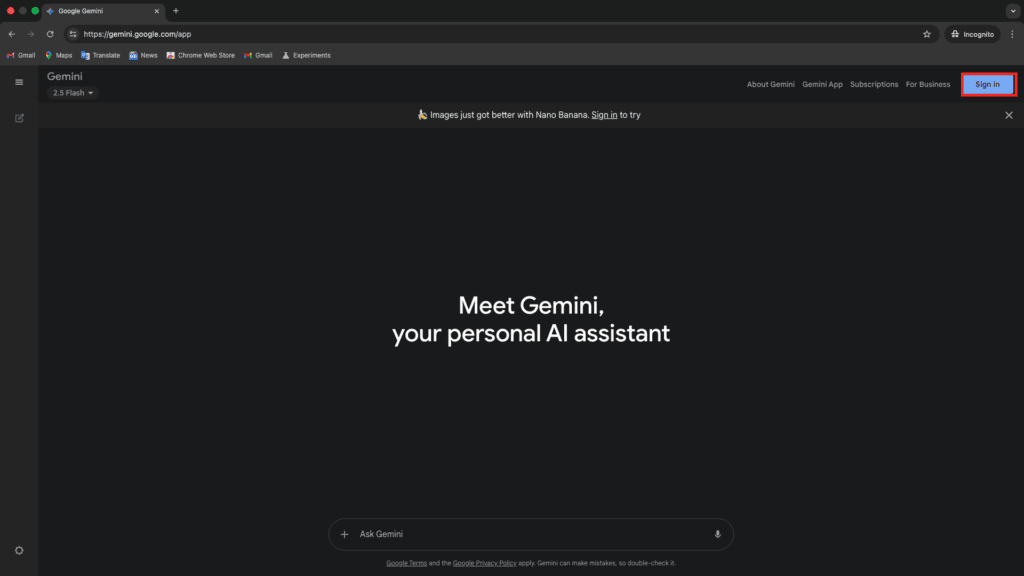
Step 1: Head over to the Gemini website on your browser.
Step 2: Click on the Sign In button in the top right corner.
Step 3: Now, enter your email and password to log in to your Google account.

Step 4: Once done, this will take you to the New Chat tab.
Step 5: Click on the Tools button.

Step 6: Now, from the menu that opens up, click on Create Image.

Step 7: Here, enter this prompt-
Prompt:
Prompt
First, ask me to upload an image and then create a 1/7 scale commercialized figurine of the characters in the picture, in a realistic style, in a real environment. The figurine is placed on the computer desk. The figurine has a round, transparent acrylic base with no text on the base. The content on the computer screen is a 3D modeling process of this figurine. Next to the computer screen is a toy packaging box, designed in a style reminiscent of high-quality collectible figures, printed with original artwork. The packaging features two-dimensional flat illustrations.
Step 8: Press Enter to run the prompt.
Step 9: Once you do this, it will ask you to upload your photo for reference.
Step 10: Click on the Plus icon.

Step 11: Now, click on the Upload Files option from the menu.

Step 12: Select the photo you want to upload, and click on Open.

Step 13: Once done, press Enter, and this will start generating the image.

Step 14: This will take a few minutes, so please wait until the process finishes.
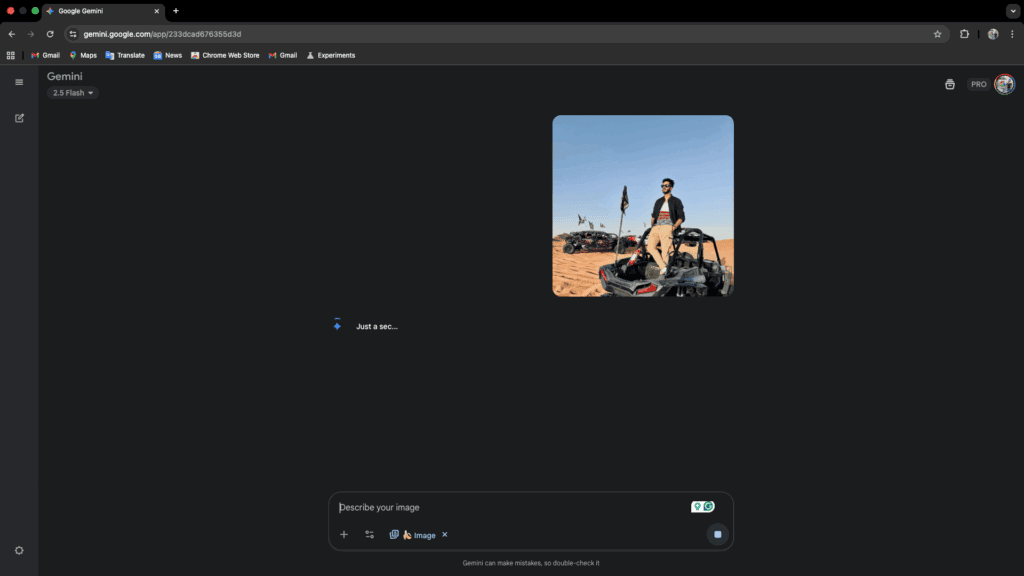
Step 15: Once done, click on the Download button to download the image.

Output
So this is the final output I got from the Gemini-

Tips for Better 3D Figurine Photos Using AI
Here are some tips that you must follow to create better 3D figurine photos:
- Use High Quality Photos- Make sure the photos you upload are high quality and not blurry. Avoid uploading screenshots and compressed images.
- Choose Front-facing Images- You must upload front-facing photos and not side profiles.
- Good Lighting and Simple Background- Make sure the photo you upload has good lighting, and the background should be simple. You must avoid having a cluttered background for the image.
- Avoid Group Photos- Upload the solo photos to Gemini. You must not use group photos for 3D figurine photos.
- Avoid Filters- Do not upload photos with beauty filters and other edits. Keep the photos raw.
Bottom Line
And that’s it; you now have the perfect 3D figurine photo. All you need is a good photo and the right prompt, and you will have your image ready in no time. This doesn’t require any paid tools or design skills.
So what are you waiting for? Create your own 3D figurines and post them on social media platforms.
Got questions or stuck somewhere? Let us know in the comments below. We would be happy to assist you.
FAQs
Do I Need to Pay to Use the Gemini 2.5 Flash Image Tool?
You can use a free account to use the Gemini 2.5 Flash Image tool. There’s no need to get a premium subscription to create a 3D model of your own.
Can I Use this on my Phone?
Yes, you can use the Gemini 2.5 Flash Image tool on your phone. You can create your own 3D figurines from the Gemini app on your Android phone or iPhone.
How Long Does it Take to Generate the Image?
The image creation process is fast. It takes 1-2 minutes to generate an image using Gemini.
Do I need to Use Google AI Studio?
No, it’s not a necessity to use Google AI Studio. Nano Banana AI is accessible through the Gemini site and app, so you can create the image from there.


